
This document is an introduction to the GXV series video surveillance PC management software published by Shenzhen Trend Network Technology Co., Ltd. The software can manage video surveillance devices and supports features such as electronic maps and PTZ control.
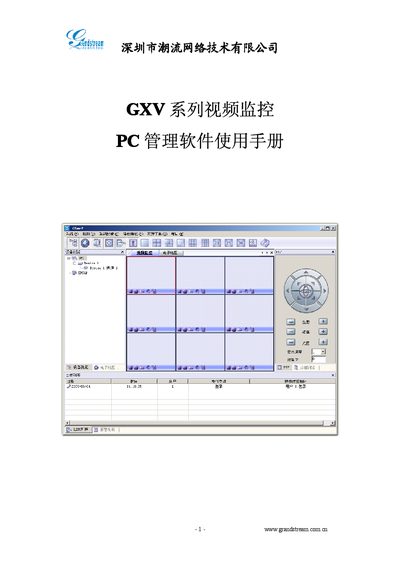
The Grandstream GXV series video monitor PC management software provides a distributed system architecture that supports up to 36 video channels, electronic maps, PTZ control, and alarm functions. It runs on Windows 2000/XP and requires a P4 CPU, 128 MB RAM, 40 GB HDD and DirectX 7.0 or higher.
The manual explains how to install the software, configure devices, set up timetables, alarm linkage, and storage options, and includes a troubleshooting appendix for common issues such as login failures and missing alarm notifications. This manual is written in Chinese.
| Minimum PC hardware | P4 CPU, 128 MB RAM, 40 GB HDD, DirectX 7.0+ |
|---|---|
| PTZ control | RS‑485 control of pan‑tilt‑zoom cameras |
The map prompt must be enabled in the alarm linkage configuration; otherwise the map will not show the alarm icon.
Enable the alarm sound in the alarm linkage settings to hear a notification.