
This document introduces the MView mobile video surveillance software developed by Grandstream. The software supports real-time remote viewing of live video through the Internet or LAN using mobile devices, and has functions such as recording, snapshot, and PTZ control.
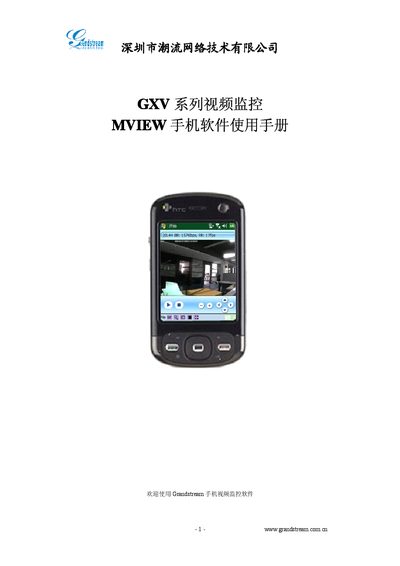
This manual introduces the MView mobile video monitoring application for the Grandstream GXV series. It describes supported network types (3G, Wi‑Fi, CMNET) and the ability to view live video, control PTZ cameras, capture images, record video, and playback recordings.
The guide covers system requirements, installation steps, uninstall procedure, interface layout, and detailed operation instructions such as configuring device parameters, setting up network connections, watching video streams, PTZ control, capture/record functions, video playback, and device search within a LAN. This manual is written in Chinese.
| Operating System | Windows CE 5.0 or later |
|---|---|
| Memory | 64 MB |
| CPU Speed | ≥ 400 MHz |
| Screen Resolution | 240 × 320 |
The app requires Windows CE 5.0 or later, at least 64 MB of memory, a CPU of 400 MHz or higher, and a screen resolution of 240 × 320.
Connect the PTZ unit to the RS‑485 interface, configure its parameters in MView, then use the on‑screen up/down/left/right controls to rotate the camera and zoom in or out.