
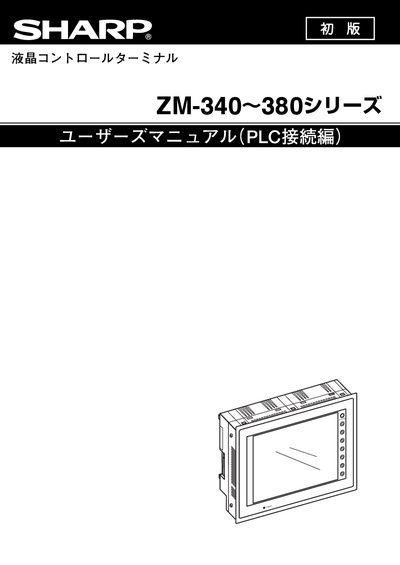
This is the PLC connection volume of the user manual for the Sharp ZM-340/380 series LCD control terminals. It covers connection configurations, interfaces, wiring, and PLC-specific setup for terminals including ZM-342D, ZM-342T, ZM-382S, ZM-382SA, ZM-383S, and ZM-383SA.
The manual provides connection and wiring guidance for PLCs from Sharp, Mitsubishi Electric, Omron, Hitachi, Matsushita Electric, Yokogawa Electric, Yaskawa Electric, Toyota Tsusho, Fuji Electric, Koyo Electronics, Allen-Bradley, GE Fanuc, Toshiba, Toshiba Machine, Siemens, Kobe Electric, and Samsung Electronics, with sections on usable PLCs, communication settings, switch settings, and usable memory. This manual is written in Japanese.
| Series classification | ZM-340: ZM-342D, ZM-342T; ZM-380: ZM-382S, ZM-382SA, ZM-383S, ZM-383SA |
|---|---|
| Minimum distance from high-voltage and power lines | 200 mm or more |
| Power supply wiring | AC100V and DC24V |
It covers PLC connections for the Sharp ZM-340/380 series LCD control terminals, including connection configurations, interfaces, wiring, communication settings, switch settings, and usable memory.
It should be mounted at least 200 mm away from high-voltage lines and power lines.
They should be configured externally to the unit, because a ZM-300 failure could cause machine damage or an accident.