
The Sharp PW-V8600 electronic dictionary user manual provides step‑by‑step instructions for battery installation, menu navigation, search functions, and…
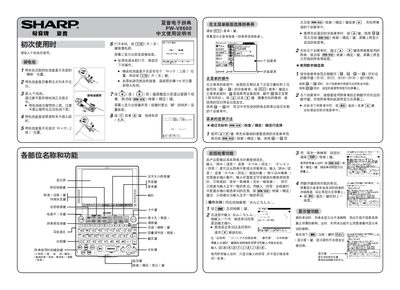
The PW‑V8600 is Sharp's electronic dictionary that offers multiple language dictionaries, example sentences, and audio output. This manual guides users through initial setup, operation of the menu system, and advanced search features.
Key sections cover battery installation, adjusting display contrast, using the main menu, performing total and phonetic searches, playing audio recordings, and utilizing the S‑Jump reference function. The guide also explains the pinyin tone input method and how to switch classification tags within detailed entries. This manual is written in Chinese.
| Battery type | dry cell |
|---|
Press the “淡” (light) and “浓” (dark) keys to change the contrast level.
After typing the pinyin letters, press the tone key repeatedly to cycle through tones 1‑4.