
This manual introduces the use of PW-9100 products, including product safety, first use, battery replacement, etc.
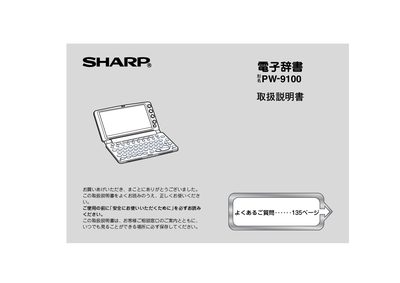
This manual begins with safety information, including battery handling and warnings about misuse. It then guides first‑time users through resetting the device, inserting batteries, and adjusting the display contrast.
Subsequent sections describe how to power the unit on and off, the meaning of key symbols, basic navigation of menus, dictionary functions, search features, and various settings such as key‑touch sound and auto‑power‑off. The final chapters cover troubleshooting, warranty information, and frequently asked questions. This manual is written in Japanese.
| Auto Power‑Off Timer (default) | 5 minutes |
|---|
Make sure the battery cover switch is in the "lock" position, then press the reset switch on the back of the unit.
Turn the display‑contrast knob on the right side of the unit to increase or decrease the brightness.