
This file describes the instructions for the M-1000C Bluetooth GPS Logger, including the packing list, battery installation, battery charging, power on, Bluetooth connection, mini GPS viewer, etc.
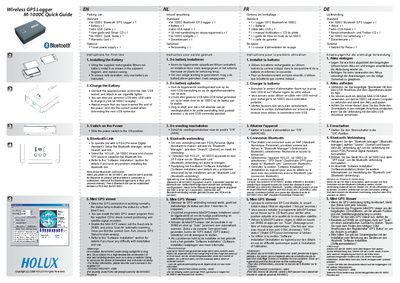
The Holux M-1000C is a Bluetooth‑enabled GPS logger designed for easy field data collection. This quick guide walks you through the essential steps to get the device up and running.
It covers unpacking, installing the rechargeable lithium‑ion battery, charging via the mini‑USB cable, turning the unit on, establishing a Bluetooth link with a PDA, and using the Mini GPS Viewer software to view positioning data.
| Battery type | Rechargeable lithium‑ion |
|---|---|
| Charging connector | Mini‑USB cable |
| Mini GPS Viewer baud rate | 38400 |
Connect the supplied power cord to the mini‑USB socket and attach the other end to the car cigarette lighter; you can also use a regular mini‑USB cable to charge the unit from a laptop.
Open the Bluetooth Manager on the PDA, select Search, then choose the device named HOLUX_M-1000C and set the connection mode to SPP slave.