
The UC-100KMA is a USB keyboard and mouse converter that allows you to connect PS/2 keyboards and mice to PCs, laptops, notebooks or handheld computing devices.
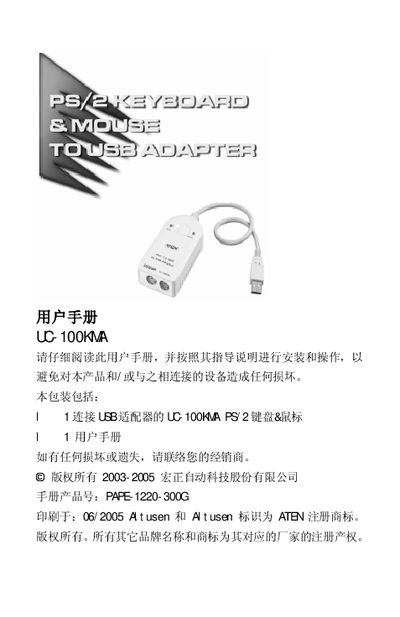
The UC‑100KMA is a PS/2 to USB converter that lets you connect a PS/2 keyboard and mouse to any USB‑enabled computer, notebook, or handheld device. It draws power directly from the USB port, so no external power supply is needed.
The manual covers hardware features, system requirements, step‑by‑step installation, operating‑system specific driver information, and hot‑key configuration for selecting OS and keyboard language layouts. It also lists technical specifications and warranty details.
| USB connector | 1 Type‑A plug |
|---|---|
| PS/2 ports | 1 keyboard, 1 mouse |
| Cable length | 30 cm |
| Supported operating systems | Windows 98/98SE/2000/Me/XP, Apple G3/G4/iMac OS 8.6+, Sun Blade Servers 2000/100 (Solaris 8), Linux |
| Transfer rate | 12 Mbps |
| USB specification | USB 1.1 compatible |
| Power mode | Bus powered |
| Power consumption | 500 mW |
| Operating temperature | 0‑50 °C |
| Dimensions | 8.2 × 5.5 × 2.3 cm |
Supported OSes include Windows 98/98SE/2000/Me/XP, Apple G3/G4/iMac OS 8.6 or later, Sun Blade Servers 2000/100 (Solaris 8), and Linux.