
Key facts
- Manuals
- 3
- Languages
- EN
- Last added
- 2011-10-02
Featured PS/2 manuals
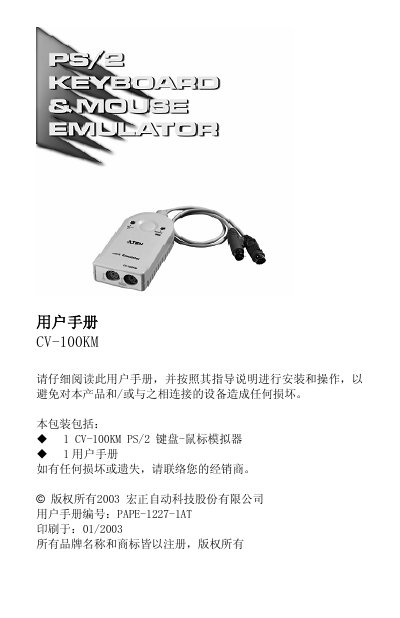
ACON CV-100KM User Manual
The CV-100KM is a PS/2 keyboard‑mouse emulator designed to prevent computer crashes caused by KVM switches that lack keyboard or mouse support. By inserting the device into a computer’s PS/2 ports, it emulates a real keyboard and mouse, allowing normal startup and operation even without actual peripherals.
The manual covers product features, system requirements, connector layouts, installation steps, LED indicators, hot‑plug support, and a troubleshooting guide. It also lists technical specifications such as connector types, cable length, operating temperature range, and enclosure material.
Covers: Overview · Product Features · System Requirements · Top View · Bottom View · Installation
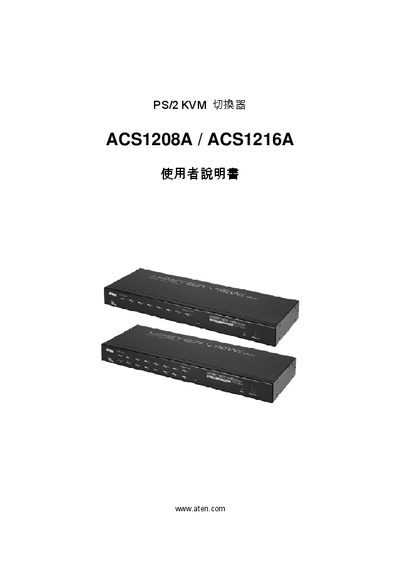
ATEN ACS1208A/ACS1216A KVM Switch User Manual
The ATEN ACS1208A/ACS1216A is a KVM (Keyboard, Video, Mouse) switch that allows multiple computers to be controlled from a single set of peripherals. This manual covers safety guidelines, installation steps, operation procedures, and troubleshooting tips.
Regulatory information such as FCC identification, RoHS compliance, and contact details for ATEN technical support are included. Users can register the product online and obtain assistance via the listed phone numbers.
Covers: Safety Information · Installation · Operation · On‑Screen Display (OSD) Settings · Error Messages · Technical Specifications
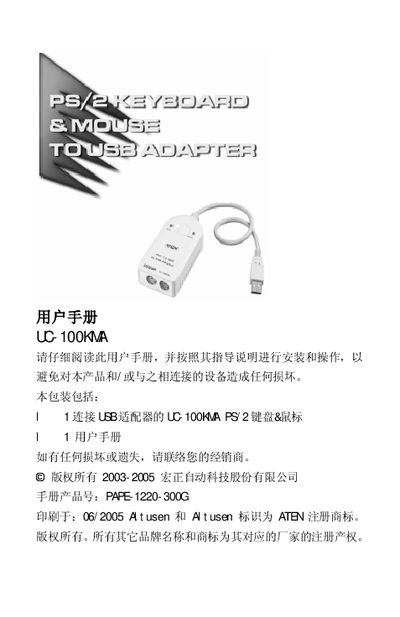
ATEN UC-100KMA USB Keyboard and Mouse Adapter User Manual
The UC‑100KMA is a PS/2 to USB converter that lets you connect a PS/2 keyboard and mouse to any USB‑enabled computer, notebook, or handheld device. It draws power directly from the USB port, so no external power supply is needed.
The manual covers hardware features, system requirements, step‑by‑step installation, operating‑system specific driver information, and hot‑key configuration for selecting OS and keyboard language layouts. It also lists technical specifications and warranty details.
Covers: Overview · Features · System Requirements · Front View · Installation · Operating Platforms
Latest PS/2 manuals
ACON CV-100KM User Manual
User Manual 6 pages · 136 KB · ENThe ACON CV-100KM User Manual provides installation, operation, and troubleshooting instructions for the PS/2 keyboard‑mouse emulator.
ATEN ACS1208A/ACS1216A KVM Switch User Manual
User Manual 61 pages · 847 KB · ENATEN ACS1208A/ACS1216A KVM switch user manual provides setup, operation, and troubleshooting information.
ATEN UC-100KMA USB Keyboard and Mouse Adapter User Manual
User Manual 15 pages · 175 KB · ENThe ATEN UC-100KMA User Manual provides installation, operation, and hot‑key instructions for the PS/2‑to‑USB keyboard and mouse adapter.
Which document do I need?
User Manual
Day-to-day operation, settings and troubleshooting. Start here if the product is already set up.
Questions answered in PS/2 manuals
How do I install the CV-100KM?
Connect the keyboard and mouse cables to the corresponding PS/2 ports as shown in the installation diagram.
What should I do if the device operates unstably?
Disconnect the CV-100KM cables from the computer’s keyboard and mouse ports, then reconnect them.
Which operating systems are supported by the UC‑100KMA?
Supported OSes include Windows 98/98SE/2000/Me/XP, Apple G3/G4/iMac OS 8.6 or later, Sun Blade Servers 2000/100 (Solaris 8), and Linux.
From: ATEN UC-100KMA USB Keyboard and Mouse Adapter User Manual