
CV-100KM is a PS/2 keyboard and mouse emulator that can completely eliminate computer crashes caused by KVM switchers without keyboard and mouse emulation.
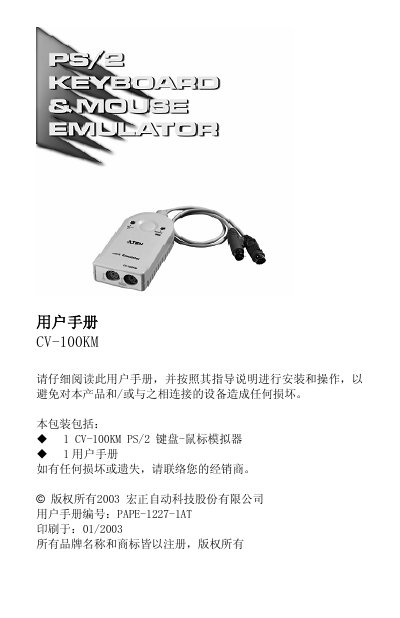
The CV-100KM is a PS/2 keyboard‑mouse emulator designed to prevent computer crashes caused by KVM switches that lack keyboard or mouse support. By inserting the device into a computer’s PS/2 ports, it emulates a real keyboard and mouse, allowing normal startup and operation even without actual peripherals.
The manual covers product features, system requirements, connector layouts, installation steps, LED indicators, hot‑plug support, and a troubleshooting guide. It also lists technical specifications such as connector types, cable length, operating temperature range, and enclosure material.
| Keyboard connector (female) | 1 x 6‑pin mini‑DIN |
|---|---|
| Keyboard connector (male) | 1 x 6‑pin mini‑DIN |
| Mouse connector (female) | 1 x 6‑pin mini‑DIN |
| Mouse connector (male) | 1 x 6‑pin mini‑DIN |
| Wake‑up button | 1 x remote wake‑up key |
| Cable length | 30 cm |
| Operating temperature | 0‑50 °C |
| Storage temperature | -20‑60 °C |
| Humidity range | 0‑80 % RH |
Connect the keyboard and mouse cables to the corresponding PS/2 ports as shown in the installation diagram.
Disconnect the CV-100KM cables from the computer’s keyboard and mouse ports, then reconnect them.
No, it draws power directly from the computer’s keyboard port.
Yes, the CV-100KM supports hot‑plugging of both keyboard and mouse.