
This manual introduces the features and usage of the Dell™ 1409X projector.
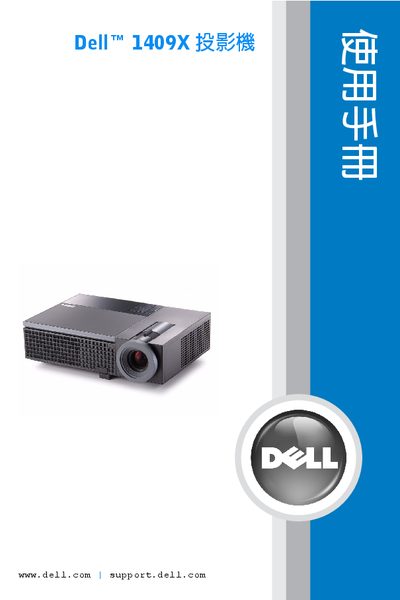
This document is the user manual for the Dell 1409X projector. It provides instructions on connecting the projector to computers and other devices using various cables such as VGA, DVI-D, HDMI, and S-Video. The manual also details how to adjust the image, use the control panel and remote, and navigate the on-screen menus. This manual is written in Chinese.
The package includes a power cord, a VGA cable, a CR2032 battery, a remote control, and a carrying bag.
The package includes a power cord, a VGA cable (VGA to VGA), a CR2032 battery, a remote control, a user manual disc and documents, and a carrying bag.