
This manual is a guide to using the STEP 7 software to configure hardware and communication connections, and it provides steps for hardware configuration and data exchange between automation systems.
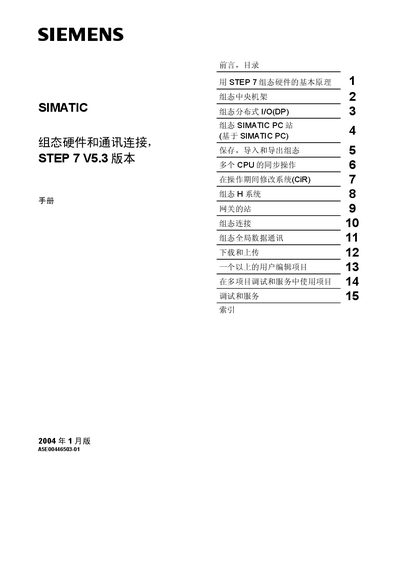
The manual provides a complete overview of the steps required to configure hardware and communication connections using the STEP 7 V5.3 software. It is intended for engineers and technicians who work with SIMATIC S7‑300/400 controllers and need to set up automation projects.
The document covers basic principles, central rack and distributed I/O configuration, PC station setup, saving and importing projects, multi‑CPU synchronization, system modification during operation, global data communication, and downloading/uploading procedures. It also includes safety guidelines and information on online help resources. This manual is written in Chinese.
| Software version | STEP 7 V5.3 |
|---|---|
| Supported operating systems | MS Windows 2000 Professional, MS Windows XP Professional |
STEP 7 V5.3 runs on MS Windows 2000 Professional or MS Windows XP Professional.
Only qualified personnel who are authorized according to safety standards may install and operate the device.
The manual gives a complete overview of the steps to configure hardware and communication connections using STEP 7.
Press F1 or click the Help menu; you can also print individual help topics from the software.