
This is a summary of the Sony Ericsson phone user manual, covering basic phone usage methods such as calls, messages, media, photography, location services, etc.
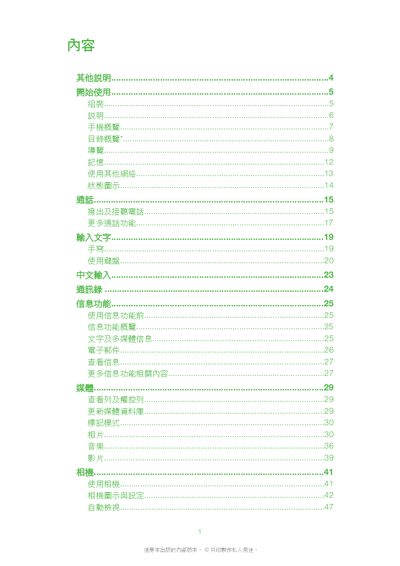
This manual explains how to get started with the Satio, including inserting the SIM card, installing the battery, and entering the PIN code. It also details the phone’s hardware buttons, display indicators, and basic operation steps.
Later sections describe the phone’s software features such as camera functions, navigation, personal assistant, connectivity options (Wi‑Fi, Bluetooth, USB), and location services. A link to the online version of the manual is provided for additional reference. This manual is written in Chinese.
Remove the battery cover, pull out the SIM tray, place the SIM with the gold contacts facing down, and push the tray back into the phone.
The manual can be accessed online at the Sony Ericsson website.