
This document provides a user manual for a multimedia LCD display, including product features and the use of SRS TruSurround XT technology. The product creates a realistic surround sound experience with just two speakers, while also delivering rich bass and clear dialogue.
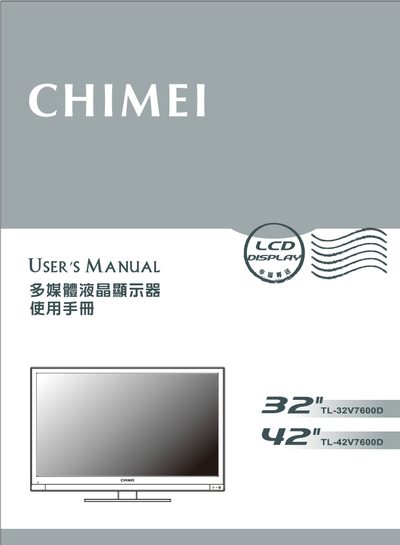
This is the user's manual for CHIMEI TL-32V7600D and TL-42V7600D multimedia LCD televisions. It covers safety instructions, cleaning, maintenance, exterior views, accessories, connectors, the control panel, remote control operation, and display settings.
The manual also includes instructions for the UHF/VHF channel function, CEC operation, on-screen display menus, picture and sound settings, first-time setup, quick operation guidance, the electronic program guide (EPG), and U-Link compatibility information. This manual is written in Chinese.
| Screen size options | 32" and 42" |
|---|---|
| HDMI inputs | 2 |
| Video input | VGA |
| Audio input | 3.5mm jack |
| Remote control model | SP-301 |
| Power cord | VCTF 1.25/3C |
| Wall mount screw size | M6X16 |
| Anti-tip screw size | T4X12 |
Read and follow all warnings and instructions, and keep the instructions for future reference. Do not open the product, and use only manufacturer-specified accessories.
Disconnect the AC power before cleaning, remove dust with a blower, and use a soft microfiber cloth with a neutral cleaner for the display. Do not pour liquid directly onto the screen.
The manual describes HDMI inputs, a VGA video input, and a shared 3.5mm audio input for connecting a PC, DVD player, or other equipment.
The screen may take about ten seconds to appear after the power is switched on.