
This manual introduces the usage of OMRON HBF-371 body fat scale. This product can measure weight, BMI, body fat percentage, bone muscle rate, basal metabolism, body age, and visceral fat.
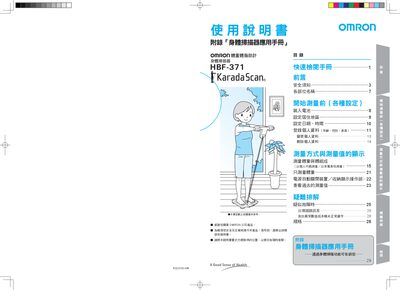
This manual covers safety precautions, battery installation, region/date settings, and how to register, modify, or delete personal data such as age, gender, and height. It also explains the proper way to stand on the device, perform body composition measurements, and interpret the results.
Additional sections describe how to view past measurements, troubleshoot common errors, and provide technical specifications of the HBF-371 body scanner. This manual is written in Chinese.
Turn the unit over, open the battery cover, and install the batteries according to the diagram, ensuring the spring side is the positive terminal.
Select a personal code key and enter your age, gender, and height as prompted on the display.
Press and hold the personal code key for more than two seconds until the "Clr" indicator flashes and disappears, confirming deletion.
If the display shows "Err", stop touching or moving the unit and restart the measurement process.