
The Omron HEM-7070 user manual provides safety instructions, setup steps, measurement procedures, and troubleshooting for the electronic blood pressure monitor.
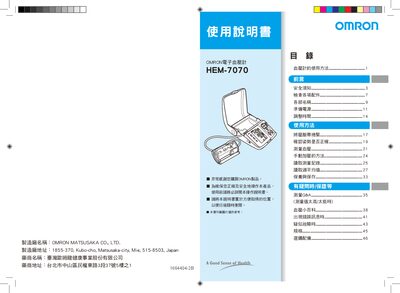
This manual explains how to safely operate the Omron HEM-7070 electronic blood pressure monitor. It covers safety precautions, checking accessories, preparing power, adjusting date and time, and proper cuff placement.
Detailed sections describe the measurement process, manual inflation method, reading records and weekly averages, maintenance, error messages, suspected faults, specifications, and optional accessories. The guide also includes a blood‑pressure Q&A and information on morning hypertension detection. This manual is written in Chinese.
| Measurement range (pressure) | 0–299 mmHg |
|---|---|
| Pulse range | 40–180 beats/min |
| Pressure accuracy | ±3 mmHg |
| Pulse accuracy | ±5 % of reading |
| Power source | 3×Mn batteries (4 pcs) or AC 110 V |
| AC adapter specification | AC 110 V |
| Device lifespan | 5 years or 30 000 uses |
| Weight (without battery/adapter) | ≈990 g |
| Dimensions (W×H×D) | 178 × 110 × 249 mm |
| Cuff size | 120 × 480 mm (arm circumference 17–32 cm) |
| Operating temperature | +10 °C to +40 °C, 30–85 % RH |
| Storage temperature | -20 °C to +60 °C, 10–95 % RH |
The error symbol indicates that the arm or body moved during measurement, causing an invalid reading; keep still and retry, or use manual inflation if it persists.
When the weekly average for the morning exceeds the high‑blood‑pressure threshold (systolic ≥135 mmHg or diastolic ≥85 mmHg), a morning‑hypertension icon lights up on the display.