
SCH-F679 is a mobile phone product with features such as Bluetooth, JavaTM, and Picsel ViewerTM. When using it, attention should be paid to traffic safety and compliance with regulations. It should not be used in special occasions such as gas stations, airplanes, and near medical devices. It also introduces the safety measures and precautions for using the phone.
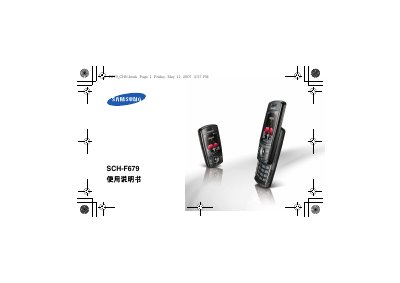
This user manual describes how to use the Samsung SCH-F679 mobile phone. It covers initial setup, installing and charging the battery, phone layout, keys and display, menu operation, text entry, and phone settings.
The manual also introduces special features including the camera and video recorder, MP3 player, FM radio, photo studio, flight mode, answering machine, Bluetooth, messenger, and email, followed by menu listings and health and safety information. This manual is written in Chinese.
| Bluetooth QD ID | B012652 |
|---|---|
| CMII ID | 2007CP0632 |
| Network access license number | 02-5431-071023 |
| Document version | 1.0 |
The box contains the phone, travel charger, battery, and user manual.
Open the phone slide, then press and hold the power key. When turning on, enter the PIN code if required and press < OK >.
The phone supports a camera and video recorder, MP3 player, FM radio, photo studio, flight mode, answering machine, Bluetooth, messenger, and email.
Turn on the phone if it is off, enter the local emergency number such as 120, and press the call key. Some features such as call restrictions may need to be turned off first.