
This is the user manual for the Panasonic CF-19E series notebook computer, which introduces the computer's introduction, parts description, first operation, practical information, handling and maintenance, hard disk backup function, hard disk data erasure utility, software reinstallation, troubleshooting, error code/message, basic troubleshooting, hardware diagnosis, software license (limited license agreement), and specifications.
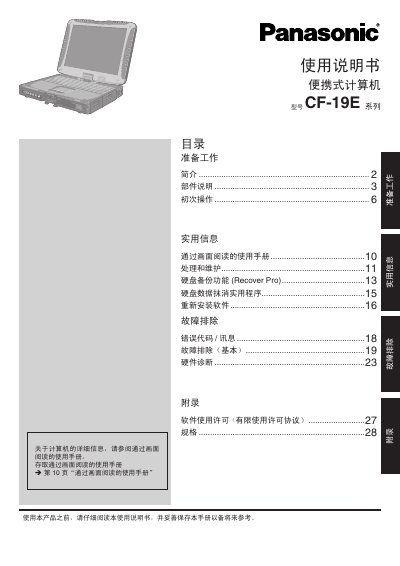
This user manual provides operating instructions for the Panasonic CF-19E portable computer. It includes safety information and parts identification for the system. The document is copyrighted by Matsushita Electric Industrial Co., Ltd. in 2007.
It describes how to switch to tablet mode, install the battery, connect the AC adapter, turn on the computer, and complete initial Windows setup. Troubleshooting information and references to the Reference Manual are also included. This manual is written in Chinese.
| Operating System | Windows XP Professional Service Pack 2 |
|---|
It uses Windows XP Professional Service Pack 2.
Read this manual carefully.