
The Panasonic CF-19H portable computer user manual provides setup, safety, operation, and technical specifications.
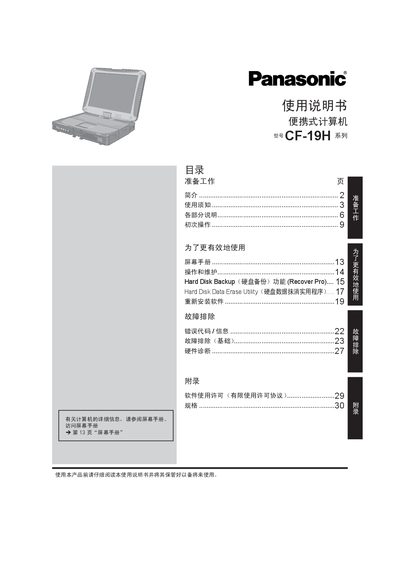
This manual guides users through preparing the Panasonic CF-19H portable computer, including safety precautions, component overview, and initial setup steps. It also covers screen manual usage, operating system configuration, and maintenance procedures.
Additional sections detail hard‑disk backup and erase utilities, software re‑installation, troubleshooting, hardware diagnostics, and a full list of technical specifications for the device. This manual is written in Chinese.
| CPU | Intel Core2 Duo U7500 1.06 GHz |
|---|---|
| Memory | Up to 2 GB DDR2 SDRAM |
| Hard Disk | 480 GB |
| Display | 10.4" XGA TFT touchscreen, 800×600 / 1024×768 pixels |
| Wireless LAN | Intel PRO/Wireless 3945BG (802.11b/g) |
| Battery | Li‑ion 10.65 V, 5.7 Ah |
| Weight | ≈ 2.30 kg |
| Operating System | Microsoft Windows XP Professional SP2 |
| Power Adapter Input | AC 100‑240 V, 50/60 Hz |
| Power Adapter Output | DC 16.0 V, 3.75 A |
The device operates in the 2400 MHz to 2483.5 MHz band.
The computer can support up to 2 GB of DDR2 SDRAM.