
AZ1022 CD Soundmachine is an audio device that supports CD playback and radio functions. It has volume adjustment, random playback, repeat playback, and track programming functions.
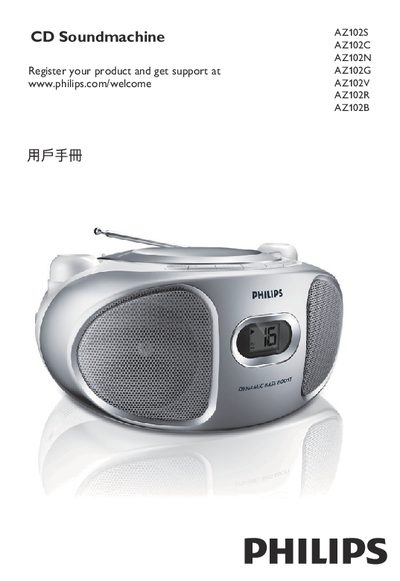
This manual explains how to power the AZ102 CD Soundmachine using either AC mains or six R‑14/UM‑2/C‑type batteries, how to select sound sources (CD, FM, MW, LINE‑IN), and how to control volume, bass boost, and other audio functions. It also covers radio tuning, antenna adjustment, and the use of the LINE‑IN input for external sources.
The guide details CD playback features such as repeat, shuffle, and track programming, provides maintenance and safety precautions for the laser head, and includes troubleshooting tips for common issues like no sound, power problems, and CD read errors. Technical specifications are listed at the end of the document. This manual is written in Chinese.
| Power Consumption | ≤ 15 W |
|---|---|
| Dimensions | 290 mm × 143 mm × 240 mm |
| Weight | 1.62 kg |
Press the VOLUME button to increase or decrease the sound level.
Press the PROG key while stopped, then use the ∞ or § keys to select tracks and press PROG again to store each track.
Check that the AC mains plug is securely connected and that the battery compartment contains correctly installed batteries.
Turn the sound source selector to CD, FM, or MW positions as needed.