
This document introduces the features and characteristics of LCD monitors, including high brightness, light weight, fast response, stereo speakers, power saving device, low electromagnetic radiation output, Kensington security lock and safety certification.
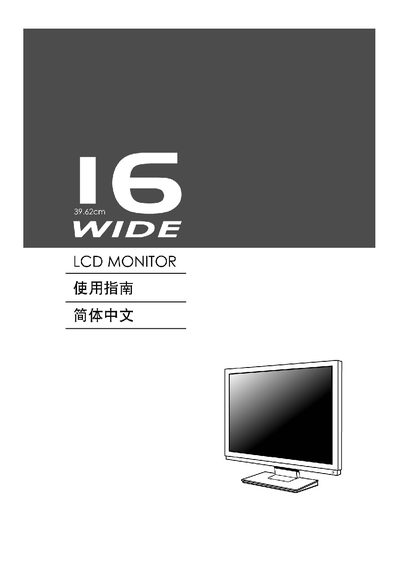
This manual provides step‑by‑step instructions for installing and operating the Kensington 16‑inch wide LCD monitor. It includes details on power connections, signal inputs, and basic safety information.
The guide also describes the on‑screen display (OSD) menu functions such as brightness, contrast, sharpness, clock and position adjustments, as well as supported graphics adapters and Energy Star compliance.
| Native Resolution | 1366 x 768 |
|---|---|
| Supported Graphics Cards | Intel I865G, Intel 1915G, Nvidia, ATI |
| Energy Star Rating | 3% |
The monitor’s native resolution is 1366 × 768 pixels.
The monitor works with Intel I865G, Intel 1915G, Nvidia and ATI graphics cards.
The monitor meets Energy Star requirements with a 3 % rating.