
This manual introduces the basic operation methods of 16-channel embedded digital video recorder, including hard disk installation, connecting cameras, monitors and audio, alarm input and output, connecting power, etc.
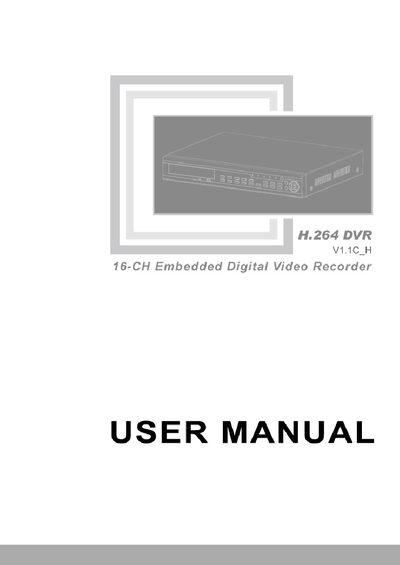
The 16‑channel embedded digital video recorder is a surveillance device that records video from up to 16 analog cameras, supports audio input, and offers network and USB backup options. It runs an embedded Linux operating system and uses H.264 compression.
The manual covers hardware installation (HDD mounting, power connection, panel wiring), basic operation (system initialization, menu navigation, playback, backup), network configuration, remote access via web browsers and mobile apps, PTZ camera control, and troubleshooting. Appendices list the included accessories and provide a quick reference for the player software.
| Video compression format | H.264 |
|---|---|
| Operating system | Embedded Linux |
| VGA output | Max 1280x1024@60Hz |
| HDMI output | Max 1920x1080p@60Hz |
| Video input | 16‑ch BNC (NTSC/PAL) |
| Video output | 2‑ch BNC |
| Audio input | 16‑ch |
| Audio output | 1‑ch |
| Recording resolution | PAL D1 704×576, CIF 352×288; NTSC D1 704×480, CIF 352×240 |
| Recording frame rate | PAL 25 fps, NTSC 30 fps (adjustable) |
| Power supply | DC12 V / 5 A |
| Operating temperature | 0 °C – 50 °C |
| Operating humidity | 10 % – 90 % |
| Dimensions (mm) | 430 W × 345 D × 66 H |
| Storage capacity | 2 SATA HDD, up to 2 TB each |
| Network interface | 1 RJ‑45 10/100 M Ethernet |
| USB interfaces | 2 |
The device supports 16 video channels.
It uses the H.264 compression format.
It requires a DC12 V, 5 A power adapter.
Via a RJ‑45 10/100 M Ethernet port that supports TCP/IP, DHCP, DNS, and related protocols.