
Key facts
- Manuals
- 3
- Categories
- 1
- Languages
- EN
- Last added
- 2012-06-01
Featured 16 manuals
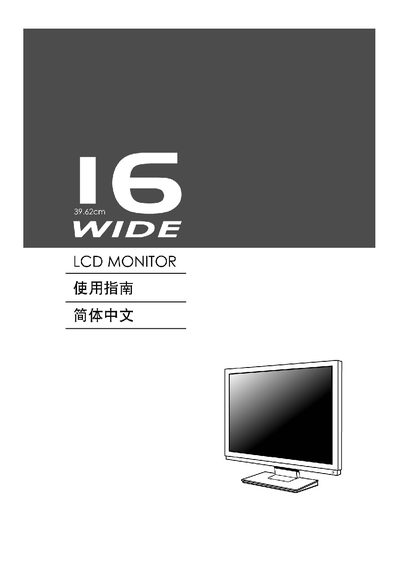
Kensington 16 LCD Monitor Manual
This manual provides step‑by‑step instructions for installing and operating the Kensington 16‑inch wide LCD monitor. It includes details on power connections, signal inputs, and basic safety information.
The guide also describes the on‑screen display (OSD) menu functions such as brightness, contrast, sharpness, clock and position adjustments, as well as supported graphics adapters and Energy Star compliance.
Covers: Installation · Power and Signal Input · OSD Settings · Display Adjustments · Supported Graphics Cards · Energy Star Compliance
Latest 16 manuals
16 Channel Embedded Digital Video Recorder User Manual (1)
This manual introduces the basic operation methods of 16-channel embedded digital video recorder, including hard disk installation, connecting cameras, monitors and audio, alarm input and output, connecting power, etc.
16 Channel Embedded Digital Video Recorder User Manual
This manual introduces the features and usage of 16 Channel Embedded Digital Video Recorder.
Kensington 16 LCD Monitor Manual
User Manual 12 pages · 371 KB · ENUser manual for the Kensington 16‑inch wide LCD monitor covering setup, OSD controls and specifications.
Which document do I need?
User Manual
Day-to-day operation, settings and troubleshooting. Start here if the product is already set up.
Questions answered in 16 manuals
What is the native resolution of the monitor?
The monitor’s native resolution is 1366 × 768 pixels.
Which graphics adapters are compatible with the monitor?
The monitor works with Intel I865G, Intel 1915G, Nvidia and ATI graphics cards.