
Testo 171 electronic recorder operation manual, this manual mainly introduces the connection, installation, programming methods of the electronic recorder, and provides examples of measurement program writing and measurement report reading
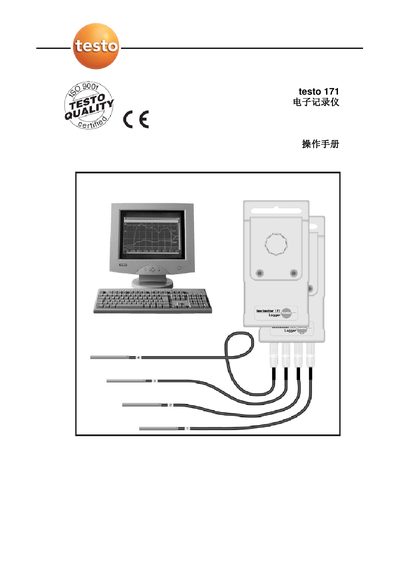
This manual explains how to connect the Testo 171 electronic recorder to a computer, install the required driver software, and configure the instrument for field measurements. It covers system requirements, installation steps, and the use of the Comsoft.exe program to activate the device.
The guide also details programming of measurement programs, probe configuration, limit settings, remote control, magnetic start, overwrite storage mode, battery life, password protection, humidity calibration, and online measurement options. It includes instructions for reading and managing measurement reports and provides contact information for Testo service in China. This manual is written in Chinese.
| Minimum CPU | Pentium 100 MHz |
|---|---|
| Minimum RAM | 32 MB |
| Maximum Stored Data Sets | 5 500 or 20 000 groups |
| Battery Life | Several years of operation |
Connect the recorder to the PC using the 9‑pin mini‑D connector or a standard adapter, then run the Comsoft.exe program to activate the driver.
Open Comsoft, select Instrument/“New Device”, choose the Testo 171 driver, then use the “Set measuring program” button to define time schedule, limits, and other parameters.
Press the Password button in the software, enter a password, and the recorder will require it for data transfer and reading.
Select the Humidity Calibration option, then follow the prompts to align the sensor with the two standard calibration points (11.3 % and 75.3 %).