
This manual describes the use of the testo 175-H1 portable temperature and humidity recorder.
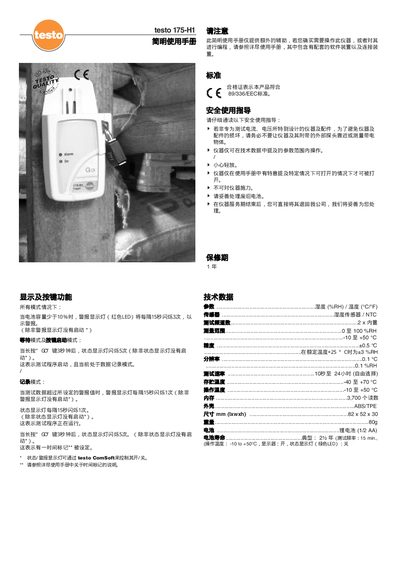
The Testo 175-H1 is a portable temperature and humidity meter designed for quick field measurements. This guide provides essential information on display functions, button operations, and how to start recording data.
Key features include battery‑low alerts, record mode indicators, and safety guidelines such as avoiding contact with live objects and handling the instrument gently. The manual also notes compliance with the 89/336/EEC standard and offers instructions for battery disposal and service return. This manual is written in Chinese.
| Humidity range | 0–100 %RH |
|---|---|
| Temperature range | -10 °C to +50 °C |
| Battery type | 1/2 AA lithium |
| Number of readings | 700 |
| Measurement interval | 10 s to 24 h |
When the battery capacity drops below 10 %, the red LED alarm flashes three times every 15 seconds.
Press and hold the GO key for 3 seconds; the status LED will flash five times to indicate the program has started.
Read the safety usage guidance, avoid measuring live objects, operate within the specified parameter range, handle the device gently, do not apply force, and dispose of batteries properly.
Long‑press the GO key for 3 seconds; the status LED flashes five times, indicating a time marker has been set.