
Testo 240 Conductivity Meter User Manual, introduces the instrument's functions, features, operating methods, precautions and other information
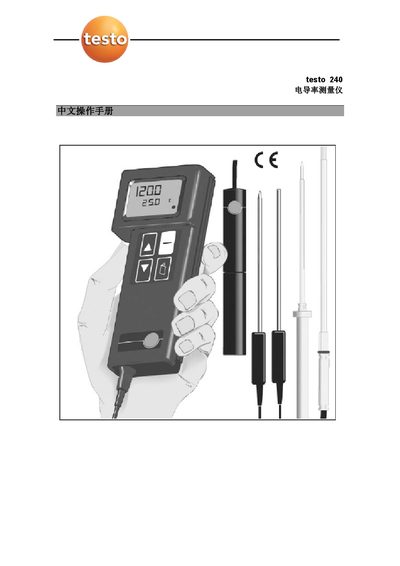
The Testo 240 is a handheld conductivity, salinity and temperature meter with a waterproof IP54 housing. It measures conductivity from 0 to 2000 mS/cm, salinity up to 200 mg/l NaCl and temperature from –50 °C to +150 °C, and offers automatic range switching and unit conversion.
The guide covers instrument description, safety warnings, how to connect probes, power‑on sequence, automatic shut‑off, saving sensor constants, setting temperature coefficients, performing measurements, routine maintenance, technical specifications and warranty information. This manual is written in Chinese.
| Conductivity measurement range | 0 – 2000 mS/cm |
|---|---|
| Temperature measurement range | -50 – +150 °C |
| Resolution | 0.1 µS/cm, 0.1 °C, 0.1 mg/l |
| Accuracy (conductivity) | ± 1 digit |
| Battery life | ≈ 60 hours |
| Weight | 180 g (including battery) |
| Interface | Mini‑DIN connector for conductivity or temperature probe |
| Ingress protection | IP54 |
Connect the conductivity probe to the main unit before turning the instrument on, ensuring the connector markings match.
If the instrument is idle for 10 minutes, it will automatically shut off.
Enter the CAL menu with the PAGE key, select the sensor constant, input the value, and after waiting 5 seconds the instrument stores it.
The battery provides approximately 60 hours of operation.