
This manual introduces how to set up and use the Canon PagePro 1250E laser printer. This manual includes unpacking, installing optional accessories, placing the printer, loading paper into the paper tray, connecting the power, turning on the printer, testing the printer, connecting the printer to a PC, etc.
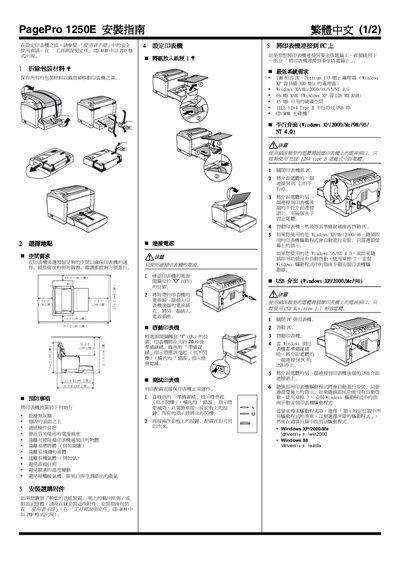
This guide walks you through the steps to set up the PagePro 1250E laser printer. It starts with removing packaging, selecting a suitable location, and connecting power before linking the printer to a computer via USB or parallel interface.
The document also includes safety information about the Class 3b laser, system requirements, and instructions for installing the printer driver on Windows and Mac platforms. This manual is written in Chinese.
| Laser class | Class 3b |
|---|---|
| Laser wavelength | 770‑795 nm |
First remove all packaging materials, then choose a stable, well‑ventilated location before proceeding with power and cable connections.
The printer contains a Class 3b laser; it is enclosed and safe when used as instructed, but the laser head must never be opened.
Supported systems include Windows 95/98/ME/2000/XP and Mac PowerPC 604 based computers.