
This document is the user manual of RS30W remote control. It introduces the use of the remote control and how to replace the battery.
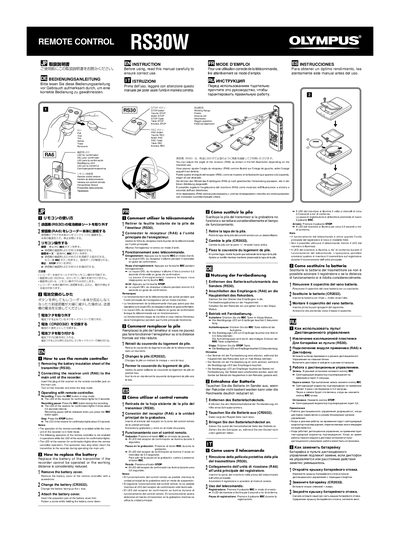
This multilingual instruction manual covers the RS30 remote control transmitter and RA6 receiver for use with a recorder. It explains how to remove the battery insulation sheet, connect the receiver to the recorder's remote jack, and operate recording, pause, and stop functions.
The manual also describes the confirmation LED behavior and provides steps to replace the CR2032 battery when the operating distance is reduced or the recorder does not respond.
| Battery type | CR2032 |
|---|
Replace the CR2032 battery with the + side facing up if the recorder cannot be operated or the working distance is considerably reduced.
When recording is started in stop mode, the receiver confirmation LED lights for 3 seconds.
Yes, remote controller operation is enabled while the main unit of the recorder is in hold mode.