
This document is a user manual for the remote control produced by Hannspree Inc. The manual includes warranty and service information, introduction to the remote control, package contents, instructions for use, and troubleshooting.
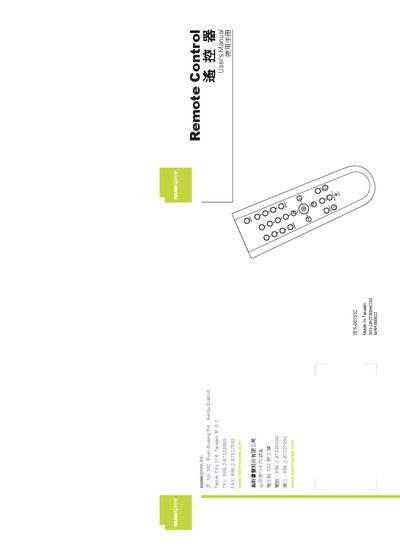
This manual describes the Hannspree remote control for a TV, including its buttons for channels, volume, source selection, menu navigation, mute, recall, and reset.
It also explains package contents, battery insertion with polarity checks, and basic troubleshooting notes such as avoiding strong light, shock, heat, and humidity.
| Battery | Lithium ion battery |
|---|---|
| Closed caption | Available on 15-inch models in North America only |
Open the battery compartment cover, insert the battery with the correct polarity, and replace the cover.
Press the Mute button; press it again or press a volume button to restore sound.
It returns all settings to their factory-set default values.
Press the number buttons 0-9; press 1 and 0 for channel 10.