
Key facts
- Manuals
- 16
- Languages
- EN · JA
- Last added
- 2012-06-01
Featured Remote manuals
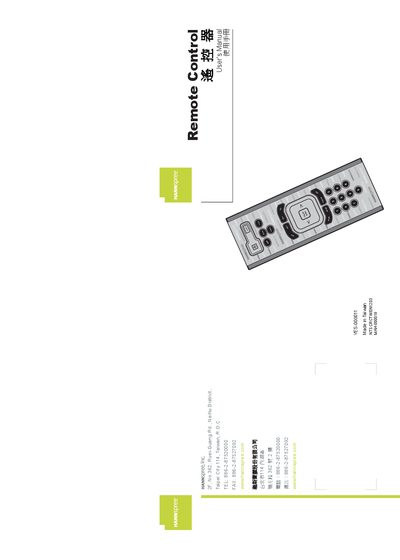
Hannspree YES-000011 Remote Control User Manual
This manual guides users through the safe and easy use of the Hannspree remote control, covering everything from package contents to button functions. It includes warranty information, a preface, and detailed descriptions of each control button.
Key sections cover battery installation (AAA x2), how to power the TV on/off, adjust volume, use the menu, mute, recall the last channel, and reset the remote to factory defaults, as well as troubleshooting tips.
Covers: Warranty and Service · Preface · Introducing the Remote Control · Checking Package Contents · Getting to Know Your Remote Control · Inserting the Remote Control Batteries
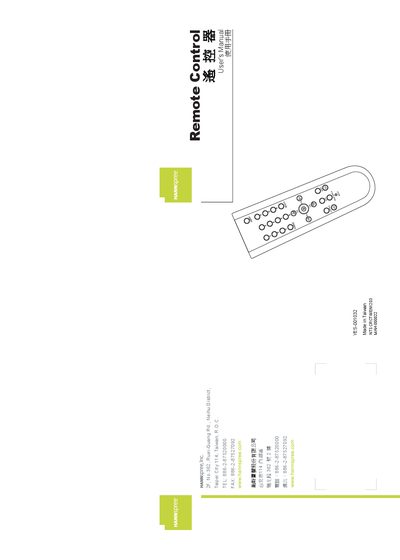
Hannspree Remote Control User Manual
The Hannspree Remote Control User Manual provides step‑by‑step instructions for getting started with the remote, checking package contents, and understanding each button's function. It also includes safety information, warranty details, and a troubleshooting guide.
Key sections cover battery installation, channel selection, source switching, menu navigation, and power control, helping users quickly become familiar with the remote's features and resolve common issues. This manual is written in Japanese.
Covers: Warranty and Service · Preface · Introducing the Remote Control · Checking Package Contents · Getting to Know Your Remote Control · Button Functions and Description
Remote Control for R S FSH R S FSH-K1 Firmware Version 13.1 Manual
The FSH-K1 remote control option adds PC‑based control to the Rohde & Schwarz FSH spectrum analyzer. The option is enabled by entering a ten‑digit key code derived from the instrument's serial number, after which the analyzer can be switched to remote state and controlled via software commands.
The manual explains how to connect a PC using the supplied USB (R&S FSH‑Z37) or RS‑232 (R&S FSH‑Z34) optical cables, install the USB driver, configure serial parameters, and use the SET, GET, and CMD command families. Programming examples in Visual Basic illustrate typical remote‑control sequences such as setting frequency, initiating presets, and retrieving trace data.
Covers: Enabling Remote Control Option · Connecting PCs · Installation of the USB Optical Cable Driver · Serial Port Configuration · Notational Conventions · Starting Remote Control Operation
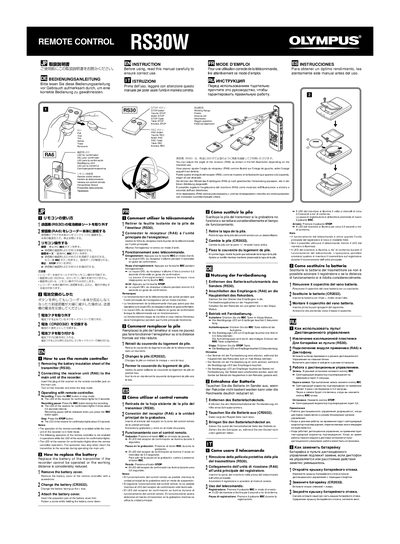
Olympus RS30W Remote Control User Manual
This manual provides step‑by‑step instructions for using the Olympus RS30W remote control, including how to attach the receiver, operate the REC and STOP functions, and replace the battery. Safety precautions and handling guidelines are also included.
Technical details such as transmission method, working range, battery life, dimensions, and power requirements are listed, along with after‑service contact information for Olympus Imaging Co., Ltd. This manual is written in Japanese.
Covers: Operating Instructions · Battery Replacement · Safety Precautions · Technical Specifications · After‑Service Information
Latest Remote manuals
Remote Share User Manual V1.2
Remote Share is a user-friendly application which allows you to share and use Internet or data on the CD Drive with the other computer via a simple high-speed USB transfer cable connecting to both computers.
Remote control User guide
This document is a remote control user guide, which introduces the functions and usage of the remote control
Remote Controlled Motorized Wallmount User Manual
This is a remote controlled motorized wall mount that is suitable for 26-50 inch LCD TVs and plasma TVs. The wall mount can be installed on the left or right side and can tilt the TV up to 90 degrees. You can also install the TV on the ceiling. The wall mount features unique two-way pitch adjustments that allow you to adjust the TV to perfect horizontal and vertical alignment on the wall.
Remote Scanner Management II (RSM II) user manual
Remote Access Using a Netgear DG834G Router Manual
Hannspree YES-000011 Remote Control User Manual
User Manual 25 pages · 5.9 MB · ENThe Hannspree YES-000011 Remote Control User Manual provides setup, operation, battery installation, and troubleshooting instructions.
Remote Control Remote Control Implement YES-001003 YES-001005 YES-001016 YES-001004 YES-001001 YES-00100 Manual
Remote Control Remote Control Implement YES-001039 Manual
Remote Control remote Manual
Remote Control Remote Control Implement YES-00000 Manual
Remote Control remote User's Manual Manual(3)
Hannspree Remote Control User Manual
User Manual 25 pages · 1.4 MB · JAThis manual explains how to set up, operate, install the battery, and troubleshoot the Hannspree remote control.
Remote Control remote User's Manual Manual(1)
Remote Control remote User's Manual Manual(1)(1)
Remote Control for R S FSH R S FSH-K1 Firmware Version 13.1 Manual
User Manual 88 pages · 728 KB · ENOperating manual for the Rohde & Schwarz FSH-K1 remote control option, covering installation, configuration, and command usage.
Which document do I need?
User Manual
Day-to-day operation, settings and troubleshooting. Start here if the product is already set up.
Questions answered in Remote manuals
How do I turn the TV on or off with the remote?
Press the Power button to turn the TV on or off.
How do I increase the volume?
Press the VOL+ button to increase the volume.
How do I install the battery in the remote control?
Insert the lithium‑ion battery as described in the "Inserting the Remote Control Battery" section of the manual.
How do I enable the remote control option on the FSH?
Press the GENERAL key, select OPTIONS, enter the ten‑digit key code using the decimal keys, and confirm with ENTER; the display will show “Remote Control enabled”.
From: Remote Control for R S FSH R S FSH-K1 Firmware Version 13.1 Manual
Which baud rates can be configured for the serial interface?
The instrument supports 9600, 19200, 38400, 57600, and 115200 baud.
From: Remote Control for R S FSH R S FSH-K1 Firmware Version 13.1 Manual
What type of battery does the transmitter require?
The transmitter uses a single CR2032 lithium coin cell.