
This is a product manual that introduces the features and usage methods of Philips HTS8160B home theater.
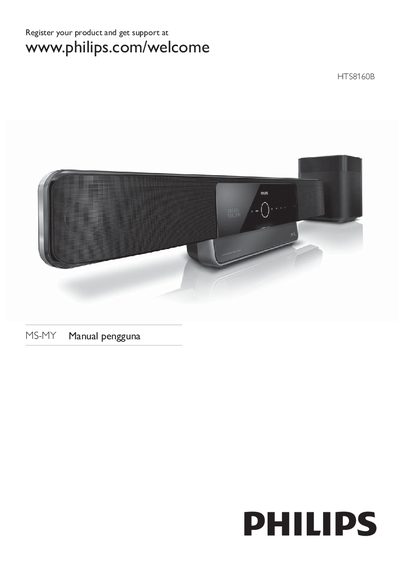
This manual guides you through registering the HTS8160B, configuring video and audio settings, using EasyLink, updating software via network or USB, and mounting the unit on a wall. It also explains how to connect the system to TV, speakers, USB devices, iPod dock, and internet.
Safety precautions, product care, troubleshooting steps, and warranty information are included to help you operate the home theatre safely and maintain its performance.
| Model | HTS8160B |
|---|
Register your product at www.philips.com/welcome.
Select the option “Kemas kini perisian daripada rangkaian” to update the software from the network.
Choose “Kemas kini perisian daripada peranti USB” to update the software from a USB device.
Make sure the power voltage matches the value printed on the back or bottom of the product before connecting.