
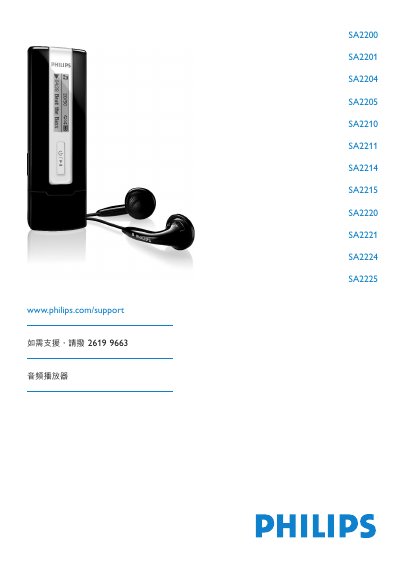
This user manual is for the Philips SA2200 series audio player, with models SA2200, SA2201, SA2204, SA2205, SA2210, SA2211, SA2214, SA2215, SA2220, SA2221, SA2224 and SA2225 listed on the cover. The player supports MP3 and WMA audio playback, FM radio and voice recording. The package includes headphones, a quick start guide and a CD containing Philips Device Manager, the user manual and FAQ.
The manual covers first-time setup, control buttons, battery insertion, USB connection to a computer, music playback, FM radio, recording, settings and safety information. It also gives computer requirements for software installation, including Windows XP, ME or 2000, a 300 MHz Pentium processor or higher, 128 MB RAM, 500 MB hard disk space and Internet Explorer 6.0 or later. This manual is written in Chinese.
| Supported audio formats | MP3 and WMA |
|---|---|
| Storage temperature | -20 to 45 °C (-4 to 113 °F) |
Visit www.philips.com/support, where full support materials and downloads are available.
The text states that the player can play MP3 and WWMA audio.
The player should be operated at 0 to 35 °C (32 to 95 °F).
The player should be stored at -20 to 45 °C (-4 to 113 °F).