
This document is the user manual for Philips AZ1220 CD Soundmachine, providing instructions on various functions and operations of the product.
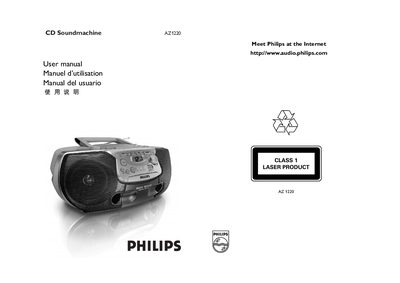
The Philips AZ1220 CD Soundmachine manual provides detailed instructions on how to operate the device, select sources, adjust volume, and use features such as shuffle, repeat, and track programming. It also includes troubleshooting tips for common issues like no sound, CD playback problems, and cassette recording errors.
Additional sections cover safety precautions, battery installation, power supply settings, and maintenance procedures for the CD lens and platters. Warranty information and contact details for Philips service centers are provided at the end of the document. This manual is written in Spanish.
| Model | AZ 1220/01 |
|---|---|
| Power supply | 110–127/220–240 V~, 50–60 Hz |
| Power consumption | 12 W |
Press PROG to start programming, select the desired track number with ∞ or §, then press PROG again to store the track. Repeat up to 20 tracks.
Use a cleaning cassette or apply a small piece of lightly moistened cotton to the heads, then run the cleaning cycle.
Check the voltage printed on the type plate at the base of the unit and set the selector to match the local mains voltage.