
191EL2 monitor user manual, introduce the monitor's safety measures, use methods, product information, technical specifications and other content.
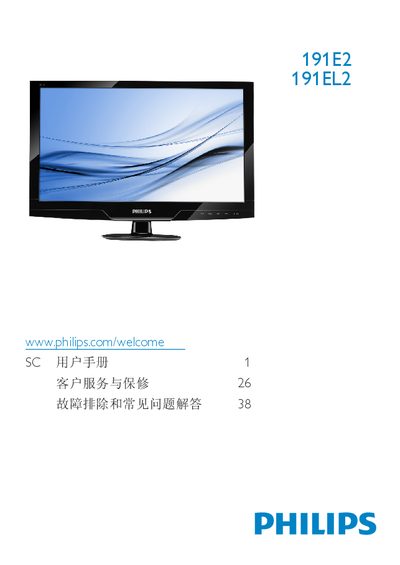
The guide covers safety measures, installation steps, and how to operate the Philips 191E2/191EL2 LCD monitor, including instructions for mounting, connecting cables, and using the on‑screen display menu. It also details product information such as SmartImage Lite, SmartContrast and SmartControl Lite features.
Technical specifications are listed, followed by warranty information, customer service contacts, and a comprehensive FAQ section that addresses common issues like video mode errors, recommended refresh rates, cleaning, and driver installation. This manual is written in Chinese.
| Panel size | 18.5" (47 cm) |
|---|---|
| Resolution (optimal) | 1366 x 768 @ 60 Hz |
| Brightness | 250 cd/m² |
| Contrast (typical) | 1000:1 |
| Response time (typical) | 5 ms |
| Viewing angle | 176° (H) / 170° (V) |
| Backlight type | CCFL (191E2) / LED (191EL2) |
| SmartContrast ratio | 500,000:1 (191E2) / 20,000,000:1 (191EL2) |
Set the PC resolution to the recommended 1366 × 768 @ 60 Hz and, if needed, adjust the refresh rate to 60 Hz (or 75 Hz to test). Then reconnect the monitor and power it on.
Use a clean soft cloth for normal cleaning; for detailed cleaning use isopropyl alcohol and avoid solvents such as regular alcohol, ethanol, acetone, or other harsh chemicals.
Adjust the resolution in the Windows Display Settings or your graphics driver to the desired value; the monitor works best at its native 1366 × 768 @ 60 Hz.