
iAUDIO G2 user manual, introduces the precautions of the product
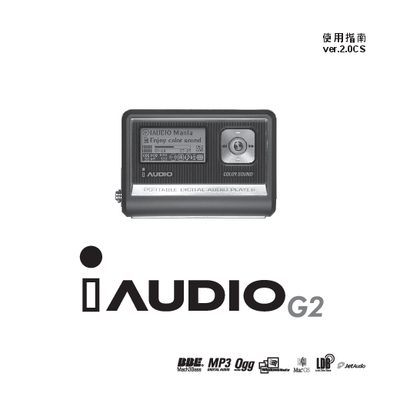
This manual covers the iAUDIO G2 mobile phone, detailing its supported audio formats, button functions, display specifications, and power management. It also explains how to perform firmware updates and use the USB connection for data transfer.
Key sections include audio format support (MP3, WMA, WAV, OGG), a 128 × 64 graphic LCD, a 16 Ω speaker with 13 mW output, and a frequency response of 20 Hz – 20 kHz. Firmware can be downloaded and installed via the provided download options.
| Supported audio format | MPEG 1/2/2.5 layer 3 (8 kbps ~ 320 kbps) 48 kHz |
|---|---|
| Supported audio format | WMA (20 kbps ~ 192 kbps) 48 kHz |
| Supported audio format | WAV (48 kHz Stereo) |
| LCD display | 128 × 64 graphic LCD |
| Speaker impedance | 16 Ω |
| Speaker power | 13 mW |
| Frequency response | 20 Hz ~ 20 kHz |
The phone features a 128 × 64 graphic LCD screen.
The built‑in speaker has a 16 Ω impedance.