
iAUDIO G3 User Guide, introduces the product's usage methods, precautions, product specifications, etc.
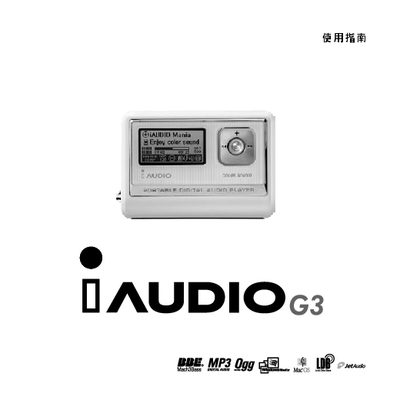
This manual explains how to use the iAUDIO G3 MP3 player, including playback of audio files, FM radio, voice recording, and various sound‑enhancement features such as BBE and 3D Surround. It also covers battery installation, USB connection, and firmware updates.
Technical specifications, button functions, menu descriptions, and troubleshooting steps are listed, along with warranty information and customer service contacts. This manual is written in Chinese.
| Display | 128 × 64 graphic LCD |
|---|---|
| Dimensions | 640 × 450 × 17.1 mm (W × H × D) |
| USB interface | USB 2.0 |
| Memory capacity | 256 MB |
| Headphone output | 16 Ω |
Open the rear cover, insert the battery’s negative pole into the spring‑loaded right side, then insert the positive pole into the left side.
Download the firmware from the official website, run the firmware download program, and avoid selecting the Download Options that erase all flash data.
Yes, after the transfer window closes you can directly unplug the USB cable on Windows XP.