
This document describes the features and characteristics of the iAUDIO 7 product from COWON, including its scope of use, software copyright information, usage precautions, basic and main function usage methods, and settings instructions.
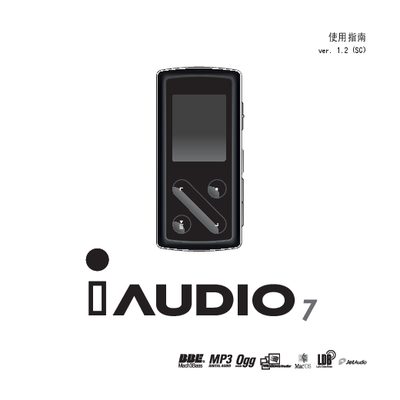
The iAUDIO 7 is a compact portable multimedia player with a 1.3‑inch TFT LCD, support for audio formats such as MP3, OGG, WMA, WAV and FLAC, and FM radio, recording, and video playback capabilities. It is powered by a built‑in lithium‑polymer battery that can provide up to 50‑60 hours of continuous playback.
This manual provides step‑by‑step instructions for basic operation, charging methods (USB or AC adapter), installing Windows 98 drivers, connecting to a PC, transferring files, updating firmware, and troubleshooting common issues. Safety warnings and product specifications are also included. This manual is written in Korean.
| Weight | 53 g |
|---|---|
| Battery life (continuous playback) | 50 hours (up to 60 hours per test) |
| LCD display | 1.3‑inch TFT, 160 × 128 pixels, 260 K colors |
| Flash memory capacity | 4 GB or 8 GB |
Download the latest firmware from the COWON website and use the built‑in firmware upgrade function in the menu to install it.
The device can play continuously for up to 50 hours (tests show up to 60 hours depending on backlight level).