
This document is the user manual of Philips GC3500 series products.
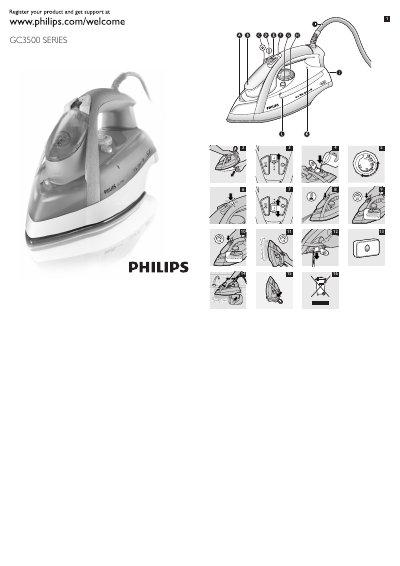
This user manual covers the Philips GC3500 Series steam iron, including safety warnings, parts identification, filling the water tank, temperature settings, steam and dry ironing, spray, steam boost, vertical steam, drip stop and automatic shut-off.
It also explains cleaning, the Double-Active Calc System and Calc-Clean function, troubleshooting, storage, environmental disposal and guarantee and service information.
| Steam control for steam | Positions 1 to 4 |
|---|---|
| Steam boost temperature range | Temperature settings 2 to MAX |
| Moderate steam range | Temperature settings 2 to 3 |
| Maximum steam range | Temperature settings 3 to MAX |
Unplug the iron, set the steam control to 0, open the filling cap, tilt the iron back, fill with tap water up to MAX, then close the cap.
The manual lists 1 for synthetic fabrics and silk, 2 for wool, and 3 for cotton and linen.
Use it once every two weeks, or more often if the water in your area is very hard.
The temperature may be too low for steam ironing, an additive may have been put in the water tank, or the filling cap may not be closed properly.