
This document describes the features and performance of Philips Salon Pro hairdryer series (models HP4897, HP4892, HP4891, HP4890), including negative ion function, ceramic element, cool shot button, etc. These features protect the hair from damage and provide the best results.
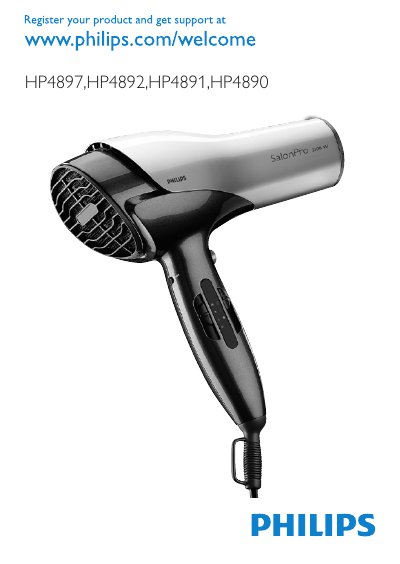
The Philips Salon Pro hairdryer series (models HP4897, HP4892, HP4891, HP4890) features an ion function that reduces static and frizz, and a ceramic element (on most models) that provides gentler heat to protect hair from overdrying. The dryer offers three airflow speeds and three temperature settings, plus a cool shot button for setting styles.
The manual covers safety warnings, operating instructions, attachment use (concentrators and volume diffuser), drying tips for different hair types, cleaning and storage guidance, environmental disposal, and warranty information. It also includes troubleshooting steps for common issues like no power or overheating.
| Ion function | Produces negatively charged ions to prevent static and flyaway hair |
|---|---|
| Ceramic element | Gentler warmth than conventional heating element (HP4892/HP4891/HP4890 only) |
| Airflow settings | Off, Low (styling), Medium (drying), High (ultra-fast drying) |
| Temperature settings | Hot (6), Warm (5), Cool (4) |
| Cool shot button | Provides cool airflow to fix style and add shine |
| Hanging loop | For storage |
| Voltage check | Must match local mains voltage (value not specified in manual) |
Unplug the appliance and let it cool down for a few minutes. Before you switch it back on, check the grilles to make sure they are not blocked by fluff, hair, etc.
Unplug the appliance, let it cool down, remove the air inlet grille to remove hairs and dust, and clean the appliance with a dry cloth.
Hold the diffuser at a distance of 10-15cm from your head.
The ion function produces negatively charged ions that prevent static and flyaway hair.