
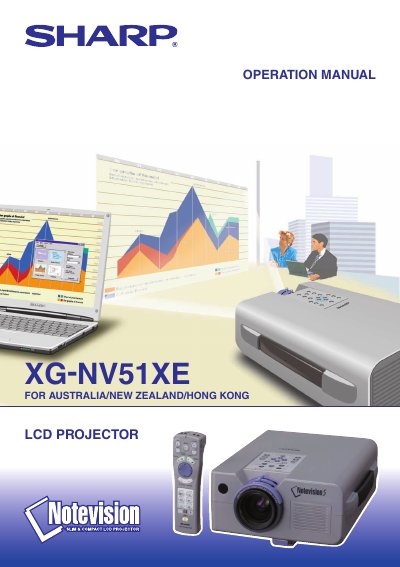
This operation manual is for the Sharp XG-NV51XE LCD projector, marked on the cover as intended for Australia, New Zealand, and Hong Kong. It begins with important safeguards and usage guidelines, then covers supplied accessories, part names, remote control and mouse receiver positioning, and setup and connections.
Later sections describe basic operations, using the GUI menu screens, picture, audio, and computer image adjustments, presentation tools, maintenance and troubleshooting, RS-232C port specifications, input signal timing, specifications, dimensions, a glossary, and an index. The manual also includes a serial number record and a reminder to check the carton contents against the supplied accessories list.
Unplug the LCD projector from the wall outlet before cleaning.
Check the contents of the carton thoroughly against the list of supplied accessories on page 7.
Refer servicing to qualified service personnel; do not attempt to service the projector yourself.
The serial number is located on the bottom of the projector and should be recorded for loss or theft reporting.