
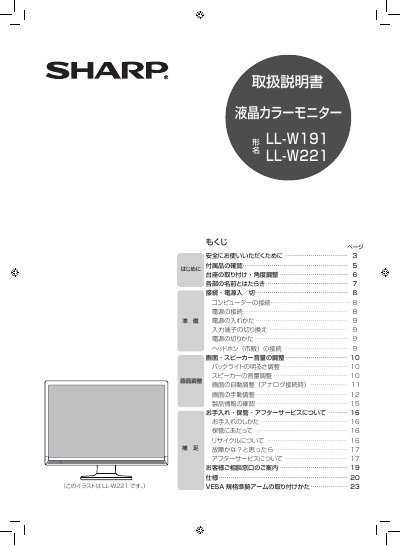
Sharp LL-W191 / LL-W221 LCD Color Monitor User Manual


Sharp LL-W191 / LL-W221 LCD Color Monitor User Manual - cover page
Brand
Sharp
Category
Monitors
Document type
User Manual
Language
Japanese
Pages
24
File format
PDF
Published
01 October, 2011
Updated
29 September, 2023
MD5 checksum
D06BF9A12748191C04ADE589087519F8

About this manual

The Sharp LL-W191 / LL-W221 user manual is a Japanese-language guide for an LCD color monitor. It begins with safety instructions and accessory checks, then explains stand mounting and angle adjustment, part names, computer and power connections, input switching, and power-on/off procedures.

Later sections cover headphone connection, screen and speaker volume adjustment, backlight brightness, automatic and manual screen adjustment, cleaning and storage, troubleshooting, after-sales service, and installation of a VESA-compliant arm. This manual is written in Japanese.

What's inside

  • Safety instructions
  • Checking accessories
  • Stand installation and angle adjustment
  • Part names and functions
  • Computer and power connections
  • Input terminal switching
  • Screen, speaker, and backlight adjustment
  • Automatic and manual screen adjustment
  • Cleaning, storage, and after-sales service
  • Troubleshooting and VESA arm installation

Specifications

Power supplyAC 100 V (50/60 Hz)
Use locationJapan only

Frequently asked questions

What power supply does the monitor require?

It requires an AC 100 V, 50/60 Hz outlet.

What should I do if the monitor smokes or smells unusual?

Turn off the monitor immediately, unplug the power plug from the outlet, and contact the dealer where you purchased it.

How should I rest my eyes during continuous use?

Take a 10 to 15 minute break every hour.

Download PDF

More Sharp Manuals


View all Sharp manuals →