
This user manual introduces the features and characteristics of the Transcend PF730 digital photo frame, including product overview, installation, operation, connection to computer, photo function, music function, calendar function, setting function, troubleshooting, product specifications, order information and warranty terms.
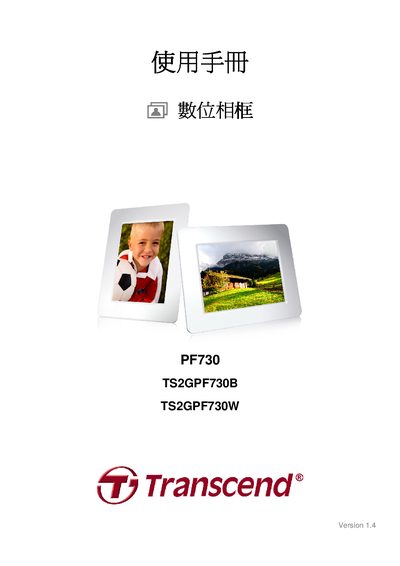
This manual introduces the Transcend PF730 digital photo frame, its packaging contents, key features, system requirements, and safety precautions. It guides users through basic operation, cleaning, data backup, and detailed menu navigation.
The guide also covers installation, switching between portrait and landscape modes, using memory cards or USB drives, adjusting volume, remote control usage, connecting to a computer, and using photo, music, calendar, and slideshow functions. Troubleshooting tips, product specifications, ordering information, and warranty terms are provided at the end. This manual is written in Chinese.
| Screen | 7" 4:3 TFT LCD, 800x600 pixels |
|---|---|
| USB Interfaces | Standard USB‑A x1, USB mini‑B x1 |
| Internal Memory | 2 GB built‑in |
| Power Input | 100–240 V 0.3 A, Output 5 V DC 2.0 A |
| Operating Temperature | 0 °C – 40 °C |
| Supported Photo Format | DSC JPEG up to 9000 × 6750 |
| Supported Video Format | Motion JPEG (AVI, MOV) up to 720 × 480 @ 30 FPS |
| Supported Audio Formats | MP3, WMA, WAV |
The frame requires an input voltage of 100–240 V at 0.3 A and provides a 5 V DC output at 2.0 A.