
This is the user guide for Sony Ericsson CDS-60, CST-60/CST-70, CST-61/CST-18, CLA-61.
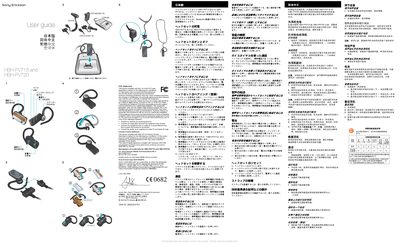
The HBH-PV715 and HBH-PV720 are Bluetooth‑enabled wireless headsets that connect to any device supporting hands‑free or headset profiles. The guide covers initial charging with the supplied charger, compatible chargers, and the steps required to pair the headset with a mobile phone.
Operating instructions include turning the headset on and off with the power key, using the call key for answering, ending, and redialing calls, adjusting volume with the volume keys, checking battery status via the indicator lamp, and resetting the device when needed. The manual also describes strap attachment, microphone mute, and regulatory compliance information. This manual is written in Japanese.
| Battery indicator colors | Red = low battery, Green = sufficient charge |
|---|---|
| Charging method | Use supplied charger or compatible charger |
Press and hold the power key; the indicator lamp lights green for about 3 seconds and then turns off, indicating the headset is on.