
This document is an operating instruction manual for a camera remote control unit called AJ-G. By reading this manual, users can learn how to operate the remote control unit correctly and it provides safety precautions for its use.
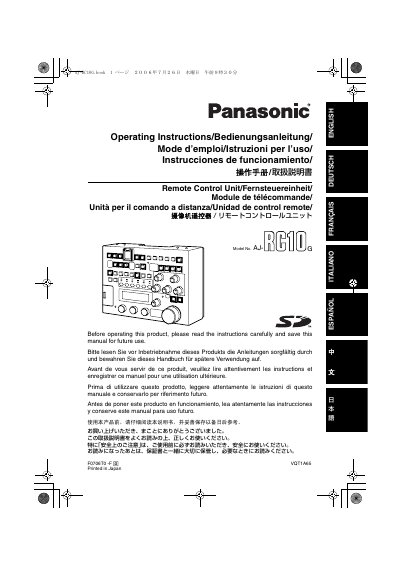
The Panasonic AJ-RC10G is a remote control unit for a Panasonic camera recorder. It provides camera control, switcher operation, and an LCD panel for menu access, and can control the camera recorder over a cable up to 50 m.
The unit also supports scene file operation, including saving and loading scene files to an SD card. The document includes connection instructions, component descriptions, operating procedures, and specifications. This manual is written in Chinese.
| Power supply | DC 12 V |
|---|---|
| Camera connector | 10-pin multi-connector x 1 |
| Monitor output | BNC x 1, 1 Vp-p (for menu display) |
| Dimensions (W x H x D) | 185 mm x 131 mm x 60 mm |
| Operating temperature | 0 °C to +40 °C |
| Storage temperature | -20 °C to +60 °C |
It is a remote control unit for a Panasonic camera recorder, providing camera control, switcher operation, and menu access through its LCD panel.
The unit can be connected to the camera recorder with a cable up to 50 m long.
The camera recorder's RCU 10-pin connector is connected to the remote control unit.
Yes. In scene file mode, modified scene file data can be stored on an SD card, and scene files can be loaded from it.