
This manual provides installation, operation, and maintenance instructions for the Panasonic KX-MB2008 series multi-function printer.
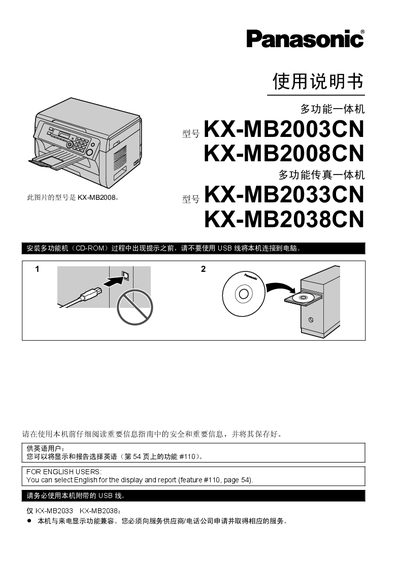
This manual is for Panasonic KX-MB2008 series multi-function printers and covers safety information, installation, controls, paper handling, and initial setup.
It also describes printing, scanning, copying, faxing, caller ID, programmable functions, troubleshooting, paper jams, cleaning, and specifications. This manual is written in Chinese.
| Laser output | Maximum 15 mW |
|---|---|
| Laser wavelength | 760 nm - 800 nm |
| Laser emission duration | Continuous |
| LED emission output | Maximum 1 mW |
| Red LED wavelength | 630 nm |
| Green LED wavelength | 520 nm |
| Blue LED wavelength | 465 nm |
| Starter toner yield | About 500 pages (ISO/IEC 19752) |
| Replacement toner model | KX-FAC415CN |
| Replacement toner yield | About 2,000 pages (ISO/IEC 19752) |
| Drum model | KX-FAD416CN |
Yes. English can be selected for the display and report using feature #110.
Panasonic toner cartridges and drums are recommended for normal operation.
The starter toner prints about 500 pages under the ISO/IEC 19752 standard.
The printer is a Class 1 laser product.