
This manual provides installation, operation, and maintenance instructions for the Panasonic KX-FM90CN multi-function thermal fax machine.
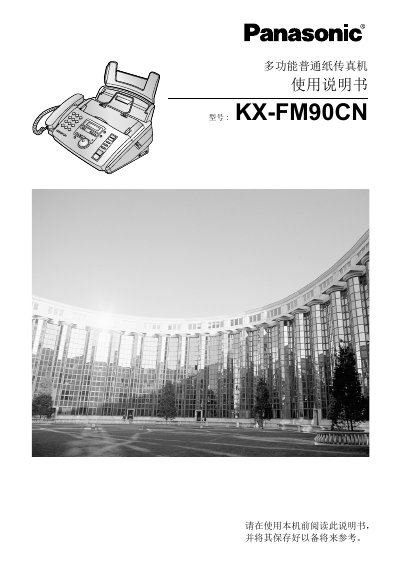
This user manual covers the setup and operation of the Panasonic KX-FM90CN multi-function thermal fax machine. It includes detailed instructions on installing the paper tray and recording paper, connecting the telephone line and power supply, and configuring basic settings such as date, time, and fax number. The guide also explains how to use the control panel for sending and receiving faxes, making copies, and recording messages. This manual is written in Chinese.
| Paper Capacity | 30 sheets of 90 g/m2 paper or 50 sheets of 60-75 g/m2 paper |
|---|---|
| Paper Size | A4 |
| Power Supply | 220 – 240 V, 50 / 60 Hz |
The machine supports A4 size recording paper.
It can hold up to 50 sheets of 60-75 g/m2 paper or 30 sheets of 90 g/m2 paper.
The machine requires a power supply of 220 – 240 V, 50 / 60 Hz.