
This document is an introduction to the status indicators on a mobile phone. It covers functions such as charging the phone, powering on/off, making and receiving calls, using the menu, emergency calls, call history, and locking/unlocking the keyboard.
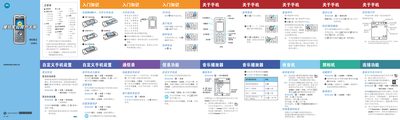
This manual provides step‑by‑step instructions for using the Motorola W362 CDMA mobile phone, covering basic functions such as powering on/off, making and receiving calls, sending text messages, and navigating the main menu. It also describes how to install the RUIM card, memory card, and battery, and how to charge the battery safely.
In addition to operating guidance, the document contains safety warnings, battery handling instructions, FCC and SAR compliance details, and recommendations for using accessories, headphones, and external antennas. It offers troubleshooting tips for common issues and outlines regulatory information required for international use. This manual is written in Chinese.
| Battery capacity | 910 mAh |
|---|---|
| Standby time | 150–250 hours |
| SAR (head) | 1.06 W/kg per 10 g |
| SAR (body) | 0.95 W/kg per 10 g |
Insert the charger plug into the phone’s charging port, connect the other end to a suitable power outlet, and remove the plug when the phone indicates charging is complete.
Press the numeric keys to enter the emergency number and press the call key; the phone will dial the emergency number even if locked or without a RUIM card.
The phone provides a standby time of approximately 150 to 250 hours, depending on system settings and usage.