
This manual introduces basic operations of the phone, including powering on, powering off, installing SIM card, making phone calls, receiving phone calls, sending and receiving text messages, and using applications.
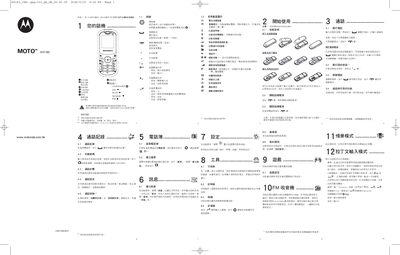
This manual covers essential safety information for the Motorola WX180, including warnings about battery handling, exposure to water, high temperatures, and SAR limits. It also explains how to properly charge the battery and maintain the device.
The document details the phone’s functions such as call records, voice mail access, timer, calculator, and various settings. Additional sections address FCC compliance, European Union directives, and general usage tips for safe operation. This manual is written in Chinese.
| Battery charging temperature range | 0 °C to 45 °C |
|---|
Do not expose the battery or the phone to water, avoid high temperatures, and follow the listed safety precautions.
Press the designated key (usually the 1 key) to store or retrieve voice mail.