
User manual for the Sonbest SM1810C CAN‑bus rack‑mount temperature and humidity sensor, covering specs, wiring, and communication commands.
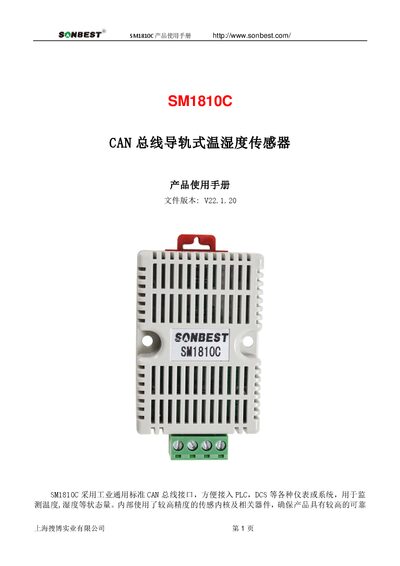
The SM1810C is a rack‑mount temperature and humidity sensor that uses an industrial‑standard CAN bus interface for easy integration with PLCs, DCS, and other control systems. It offers multiple output options such as RS232, RS485, CAN, 4‑20 mA, analog voltage, ZigBee, LoRa, Wi‑Fi, GPRS, and NB‑IoT.
The manual provides technical parameters, application examples, the CAN communication protocol, frame formats, and detailed command tables for data query, frame ID changes, and speed adjustments. It also includes power‑up behavior and contact information for Sonbest. This manual is written in Chinese.
| Temperature measurement range | -40℃~123.8℃ |
|---|---|
| Temperature measurement accuracy | ±0.5℃ @25℃ |
| Humidity measurement range | 0~100%RH |
| Humidity measurement accuracy | ±3%RH @25℃ |
| Communication interface | CAN |
| Default CAN bus speed | 250 kbps |
| Power supply | DC9~24 V 1 A |
| Operating temperature | -40~80°C |
| Operating humidity | 5%RH~90%RH |
The device ships with a default node ID of 1, corresponding to CAN frame ID 00 00 00 01.
The default CAN bus speed is 250 kbps.