
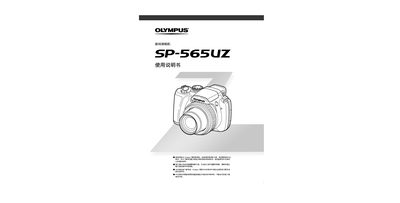
Olympus SP-565UZ Camera User Manual

User Manual


Olympus SP-565UZ Camera User Manual - cover page
Brand
PLYMPUS
Document type
User Manual
Language
Japanese
Pages
92
File format
PDF
File size
6 MB
Published
21 September, 2011
Updated
30 September, 2023
MD5 checksum
C4DBE45BA17F9790A10D524A361F1D9F

About this manual

This manual provides step‑by‑step instructions for using the Olympus SP‑565UZ digital camera, covering basic operation, shooting modes, and essential settings. It also includes guidance on printing photos via PictBridge and using the camera’s built‑in menu.

Additional sections describe the self‑timer, silent mode, battery handling, and a parts list for service reference. The document is intended for end users who need clear instructions in Japanese. This manual is written in Japanese.

What's inside

  • How to Use the Camera
  • Shooting Modes
  • Printing Photos (PictBridge)
  • Menu Functions
  • Self‑Timer
  • Silent Mode
  • Battery and Power
  • Parts List

Frequently asked questions

How can I print photos directly from the camera?

Use the PictBridge printing function (refer to page 64).

How do I switch the camera to silent mode?

Select the silent mode option in the menu (see page 68).

Download PDF (6 MB)

More PLYMPUS Manuals


View all PLYMPUS manuals →