
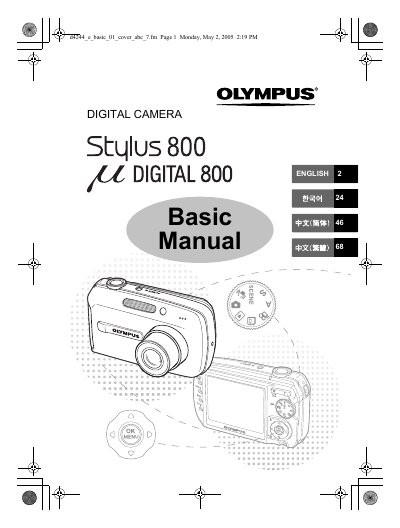
The Olympus Stylus 800 digital camera offers 19 scene modes, GUIDE shooting and menu functions, direct PictBridge printing, calendar and album organization, slideshow with background music, TV connection, and OLYMPUS Master software for computer editing and printing.
This Basic Manual explains unpacking, strap attachment, battery charging and insertion, turning the camera on, taking and reviewing pictures, erasing pictures, frequently used functions, printing, computer use, specifications, and safety precautions.
| Battery charging time | Approx. 120 minutes |
|---|---|
| Sleep mode delay | About 3 minutes of non-operation |
| Automatic power off | 15 minutes after sleep mode |
Charging takes approximately 120 minutes.
It automatically enters sleep mode and stops operating.
Yes, the camera can connect directly to a PictBridge-compatible printer.